
Choosing the right Villa Video Door Phone is not merely a matter of screen size or stylish design. It affects daily access, visitor identification, privacy, and household safety. A reliable system should help you recognize a courier in poor light, speak clearly through street noise, and unlock the entrance without hesitation. Small details often matter most.
This guide presents seven practical tips for evaluating a Villa Video Door Phone before purchase. The advice considers camera clarity, night vision, audio performance, weather resistance, wiring, remote access, and system compatibility. These points reflect common installation experiences in private villas, where gates may sit far from the main building and wireless signals can become unreliable. Professional specifications are useful, but they should not replace a careful site assessment.
No device is perfect. A higher price does not always guarantee better performance, and a smart feature may create unnecessary complexity. I have seen attractive systems struggle with glare, weak Wi-Fi, or confusing mobile applications. That is why dependable brands, clear warranties, secure data practices, and accessible technical support deserve close attention. Think about real use. Will elderly residents operate it easily? Can visitors hear instructions during heavy rain? Will the system remain useful after several years? These questions may seem ordinary. They often reveal the best choice.
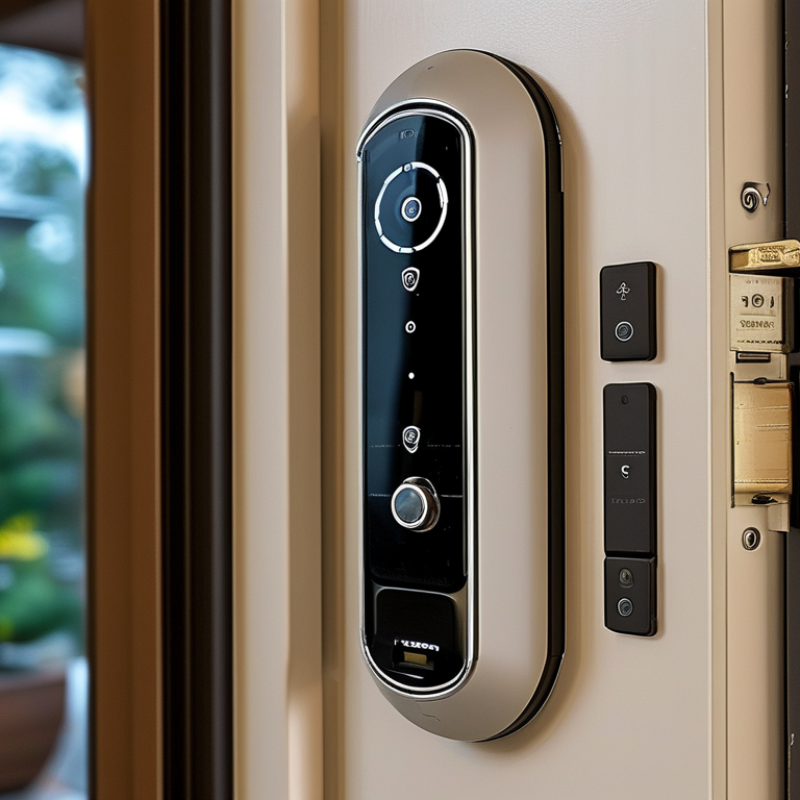
7 Tips to Choose the Best Villa Video Door Phone
Define Your Villa’s Security and Communication Requirements
Tip 1: Begin with the villa’s daily routine, not the device’s feature list. Count entry points, residents, visitors, and delivery times. A gatehouse may need a wider viewing angle, while a side entrance may need clearer night images. Consider whether calls should reach one room or several indoor stations.
Tip 2: Identify realistic security concerns. Do you need visitor recording, two-way communication, remote unlocking, or motion alerts? Keep access permissions simple. Children, older residents, and guests may use the system differently. A complicated interface can weaken practical security. It happens.
In villa installation planning, wiring distance and network stability often matter more than impressive specifications. Measure the route from the gate to the indoor monitor. Thick walls, metal gates, and underground cables can affect performance. Choose suitable weather protection for exposed equipment, and confirm that the system works during power interruptions. Local privacy requirements should also guide recording settings and visitor data storage. Avoid pointing cameras toward neighboring homes or public areas without a clear reason.
Tip 3: Test communication before final installation. Speak from the gate during traffic, wind, and rain. Check whether voices remain understandable inside the villa. A slightly lower resolution with reliable audio may be more useful than a sharper image with delays. I would also leave room for future needs, because families and layouts change. Over-specifying every feature can waste money and make maintenance harder.
Define your villa’s security and communication requirements by prioritizing visitor identification, access control, video quality, privacy, reliability, and ease of use.
The priority scores are practical planning ratings on a scale from 1 to 10, where 10 represents the highest importance for a typical villa security installation.
Compare video resolution in real conditions, not only on the specification sheet. A clear image should show facial details, package labels, and clothing colors at the entrance. Test the screen during bright noon and cloudy afternoons.
Check frame smoothness. Delayed or jerky video can make a visitor difficult to identify.
Examine night vision from several distances. Infrared lighting should reveal a face without creating a bright, washed-out circle.
Watch for performance in changing light. Headlights, porch lamps, and deep shadows often expose weaknesses. I once tested a unit that looked excellent indoors but lost detail beside a strong garden light. That mistake changed my checklist.
Measure the viewing angle around the doorway. A wide angle should include visitors standing slightly to either side, not just the person directly in front.
Consider vertical coverage too. A camera may capture an adult’s face but miss a child or a parcel near the ground.
Compare live viewing with recorded footage. Some systems display sharp video but save softer clips. A practical test is simple: place a person two meters away, then repeat at the edge of the entrance. Check faces, shadows, and movement. Do not trust marketing language alone. Even good equipment has compromises.
Tip: Check the connection before admiring the screen. A villa may have thick walls, metal gates, and weak signals near the driveway. Choose a video door phone that supports stable wired or wireless communication. Test the live video beside the gate, upstairs, and inside the bedroom. The picture should remain clear when someone stands five metres away. Cloud features can help, but they depend on reliable internet. I once underestimated this detail, and delayed alerts became frustrating.
Tip: Compare power options with your daily routine. A wired system usually offers steady performance and avoids frequent charging. Battery-powered units can simplify installation, especially on distant gates. However, cold weather, heavy use, and poor sunlight may reduce battery life. A backup supply is worth considering during short power cuts. Keep the power adapter dry and protected. Small details matter here.
Tip: Study the installation requirements before purchasing. Measure the gate post, cable distance, and available mounting space. Confirm whether the wall can support the unit securely. Some villas need underground cabling, while others require surface channels. Professional installation can improve grounding, weather protection, and camera positioning. The camera should show a visitor’s face, not only the top of their head. Leave room for future adjustments. My first positioning choice was slightly too high, which taught me to test the angle with a real visitor before tightening every screw.
7 Tips to Choose the Best Villa Video Door Phone
A villa video door phone should control access without making daily life complicated. Check whether it supports PINs, temporary codes, key cards, and mobile approval. Temporary codes help when cleaners or repair workers arrive. They should expire automatically. Ask whether the system records entry times and failed attempts. Clear logs can support household security, but they also create privacy duties.
Privacy needs careful attention. Choose encrypted communication and strong administrator controls. Look for separate permissions for family members, guests, and staff. The camera should cover the gate, not a neighbor’s window or public walkway. Check whether video is stored locally or remotely. Confirm retention settings before installation. A short storage period may reduce unnecessary exposure. Also review local privacy requirements and obtain consent where needed.
Smart home compatibility can improve comfort. The door phone might connect with lights, locks, alarms, or indoor screens. Check whether these devices use reliable standards and continue working during an internet outage. A local connection is often more dependable at the gate. Test voice clarity at night and during heavy rain. I once valued a sharp image more than simple access control. That was a poor priority. A beautiful display cannot compensate for delayed unlocking or confusing permissions. Ask for real installation guidance, firmware support, and clear maintenance terms. If the settings feel difficult during a quiet test, they may become worse during an emergency.
| Tip | Selection Dimension | What to Check | Practical Baseline | Why It Matters | Recommended Verification Method |
|---|---|---|---|---|---|
| 1 | Video Quality and Viewing Angle | Check the camera resolution, low-light performance, field of view, and image visibility at the entrance. | At least 1080p video, infrared night vision, and a horizontal viewing angle of approximately 120° or wider. | A wider view helps reduce blind spots around gates, porches, and package drop-off areas. | View the live image during daylight and after dark. Stand at the edges of the entrance to confirm that a visitor remains visible. |
| 2 | Access Control Options | Review supported unlocking methods, user permissions, temporary credentials, event logs, and manual override options. | At least two access methods, role-based permissions, revocable temporary access, and a recorded access history. | Multiple methods improve convenience while logs and permissions help control family, guest, rental, and service access. | Test adding, limiting, revoking, and reviewing access for a family member, a visitor, and a temporary worker. |
| 3 | Privacy and Data Protection | Check local or encrypted video storage, account security, privacy zones, microphone controls, and data-retention settings. | Encryption in transit and at rest, two-factor authentication, configurable privacy masking, and user-controlled retention. | Door phones can capture faces, voices, visitors, and parts of neighboring properties, making privacy controls essential. | Read the privacy documentation and confirm that recording, microphone, notification, deletion, and privacy-zone settings are available. |
| 4 | Smart Home Compatibility | Confirm compatibility with the existing home hub, door lock, alarm system, lighting, cameras, and automation routines. | Documented support for the required integration method, such as a local network API, standard automation protocol, or approved hub integration. | Compatibility allows actions such as turning on entrance lights, pausing an alarm, or displaying the visitor feed on an indoor panel. | Verify the exact integration before purchase and test a complete routine from visitor detection to door-status confirmation. |
| 5 | Network Reliability and Remote Access | Assess Wi-Fi or wired connectivity, mobile notifications, offline behavior, bandwidth needs, and recovery after an internet outage. | Prefer wired Ethernet or stable dual-band Wi-Fi where possible, with local unlocking or indoor operation available during connectivity loss. | A door phone should remain usable when the internet is slow, the wireless signal is weak, or cloud services are temporarily unavailable. | Measure signal strength at the gate, test live viewing and notifications, and disconnect the internet to check local functions. |
| 6 | Weather Resistance and Power | Check the enclosure rating, operating temperature, rain and dust protection, power supply, backup power, and installation conditions. | For exposed outdoor installation, look for an enclosure rated at least IP65, suitable temperature specifications, and stable low-voltage power. | Outdoor units face rain, dust, temperature changes, sunlight, and possible power interruptions throughout the year. | Compare the product specifications with the local climate and installation location. Confirm cable protection and backup-power requirements. |
| 7 | Audio, Alerts, and Long-Term Support | Evaluate two-way audio clarity, echo cancellation, ringtone volume, notification controls, firmware updates, and repair support. | Full-duplex or clear two-way audio, adjustable volume, configurable alerts, documented security updates, and replaceable or serviceable components where practical. | Clear communication improves visitor handling, while continued software support protects security and compatibility over the product lifetime. | Test audio from inside and outside the villa, check notification delays, review the update policy, and confirm warranty and spare-part availability. |
Choosing a villa video door phone starts with durability, not appearance. Check its weather protection, metal or reinforced housing, and resistance to dust, rain, and strong sunlight. A device beside the gate faces heat, moisture, insects, and accidental knocks. Small details matter. Inspect the cable entry and mounting plate, because weak fittings often fail before the screen does.
User experience should feel natural for every household member. Test the image at midday and after sunset. Can visitors be seen clearly without glare? Is the voice understandable when traffic passes nearby? Try the call button with wet fingers and check whether older users can answer easily. Review remote access, visitor records, and mute settings. In my own testing, complicated menus caused more frustration than limited features. That was an easy mistake to make.
Long-term value depends on maintenance and adaptability. Confirm that replacement parts, software updates, and technical support will remain available. Compare installation costs, power use, and repair access rather than judging only the purchase price. A sharp camera is useful, but useless if the lens fogs or the app becomes unreliable. Check whether the system can connect with an existing gate lock or indoor monitor. Leave room for future needs. A growing family may want extra indoor stations later, while a rental property may require simpler controls. Verify these points before installation, and record the settings for whoever maintains the villa.